
Mixed PDF page sizes: how to agree correspondence print scaling
A letter, attachment and form have been combined into one PDF. They look similar on screen, yet their pages may have different dimensions. Only printing reveals reduced text or a clipped edge.
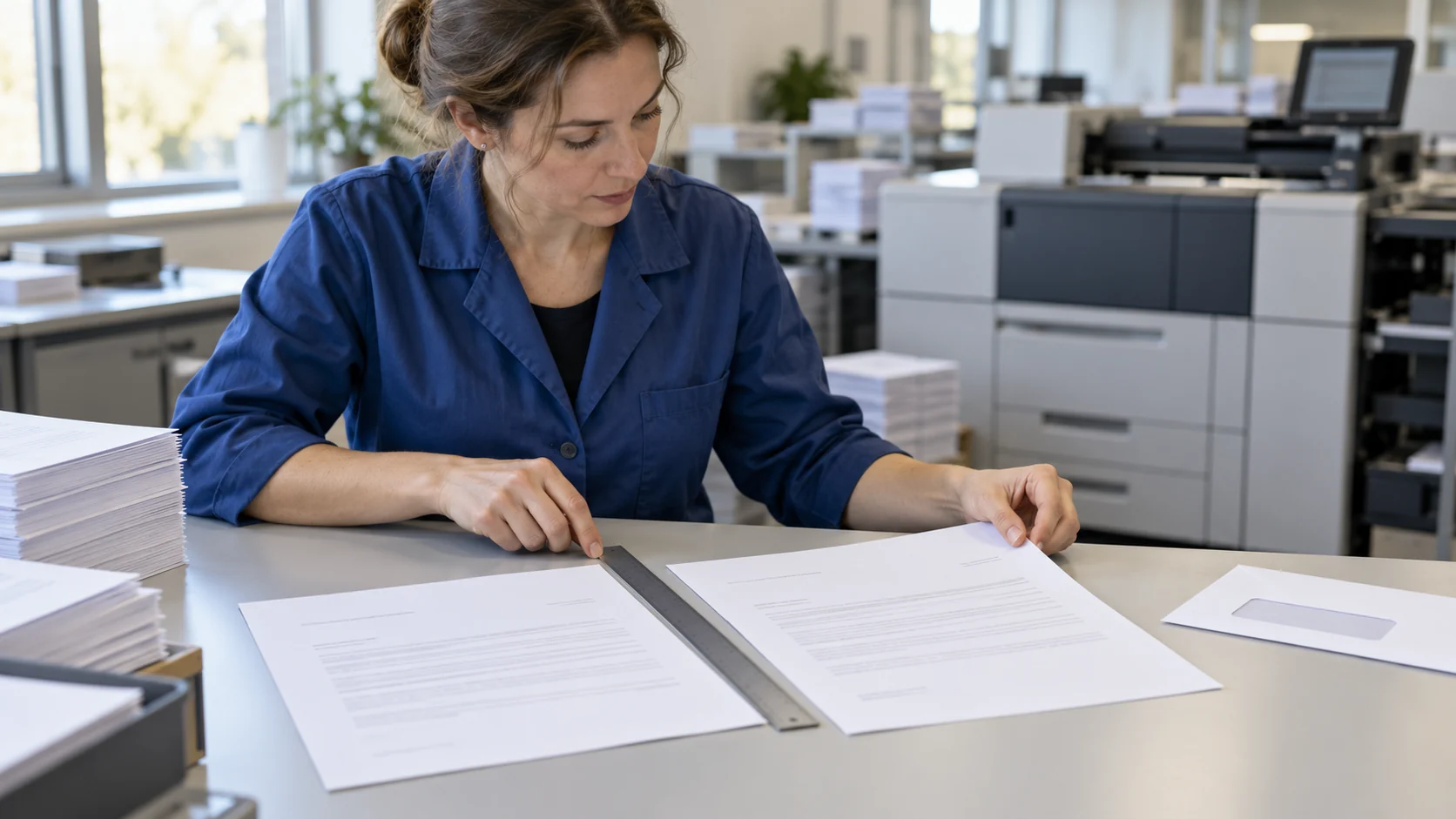
In outsourced printing, an instruction to print on A4 does not establish whether reducing the content is allowed or how a larger attachment should be handled. Paper size alone does not specify scale. The agreement should identify the required physical content size, permitted exceptions and how the document will be checked inside its envelope.
1. Inventory the page dimensions
Check every document group rather than just the first page. Record dimensions, orientation and unusually sized pages. A view fitted to the screen can make differences harder to notice. Do not infer physical paper size solely from how large a thumbnail appears.
Create a short exception list: page number, document, input format and expected output. If an attachment must remain larger, say so before production. Automatically standardising every page may conflict with the agreed requirements of a form or template.
2. Decide whether the content size may change
Adobe Acrobat distinguishes Fit, which adjusts scale, Actual size without scaling, and Shrink oversized pages, which does not enlarge small pages. These represent different production choices.
Describe the outcome rather than only naming a button: preserve physical size, permit reduction or refer the exception for a decision. The option names apply to Acrobat; the supplier may use other tools. We do not claim that BackOffice Outsourcing uses this application.
3. Separate paper selection from scaling
Adobe describes selecting the paper source according to PDF page dimensions. This option concerns paper selection and does not replace agreement on whether content may be scaled.
Specify target paper and permitted scale separately in the job instructions. If all inserts must fit one envelope production standard, ask how an unusual page will be handled. The operator should not independently decide that reducing a form is acceptable.
4. Check the address area after folding
Editorial example: a 100 mm segment becomes 95 mm at a scale of 95%. This is a geometrical calculation, not a recommended printer setting. Reducing the entire layout also changes the address area's dimensions; its position additionally depends on content placement on the sheet.
Prepare a proof without real recipient data, fold it and put it into the intended envelope. Check that the whole address is visible through the window and that other information is not exposed. A correct page preview does not confirm that the completed mailing piece is correct.
5. Accept the proof against specific criteria
Include a standard page, the largest, the smallest and an unusually rotated page if these occur in the batch. Compare small-text readability, completeness at the edges, required dimensions and address position. Check each significant combination of template and page format.
Record what must retain its size, what may be reduced and which pages need separate handling. Where a physical dimension is required, measure the agreed element with a ruler. An approval saying it looks fine does not replace checking that criterion.
6. Hand over unambiguous production instructions
Include the file identifier, exception list, paper format, scaling rule and approved proof. After a file or setting change affecting size, agree to recheck the relevant variants. Do not alter document content merely to make it fit the sheet without the document owner's approval.
BackOffice Outsourcing provides document printing, personalisation, folding and envelope inserting. Describe your file formats and expected output to agree job preparation. The separate issue of sheet sequence is covered in the guide to duplex correspondence printing.
Sources and scope of this guide
Adobe documentation was checked on 24 October 2026; the page about size adjustment was updated on 22 October 2026. Option descriptions refer to Adobe Acrobat. The exception list, numerical example and acceptance criteria are editorial proposals to agree for a specific process.
FAQ
Does choosing A4 paper mean printing at 100%?
Do not assume so. Paper format and scaling behaviour must be agreed separately.
Can every larger page be reduced automatically?
Only where the agreed document requirements allow it. A form or template may require its dimensions to be preserved.
What should be checked in a window envelope?
Visibility of the full address after actually folding the document, with no other information exposed.
When should the proof be repeated?
After a change to the file or settings affecting dimensions, content placement or address position.