
Approval sample and test envelope: the final check before bulk printing
An error found on one sample takes moments to correct. The same error repeated across thousands of mailpieces means reprinting, reinserting and delaying dispatch. That is why one complete approval sample should be checked before the batch starts.
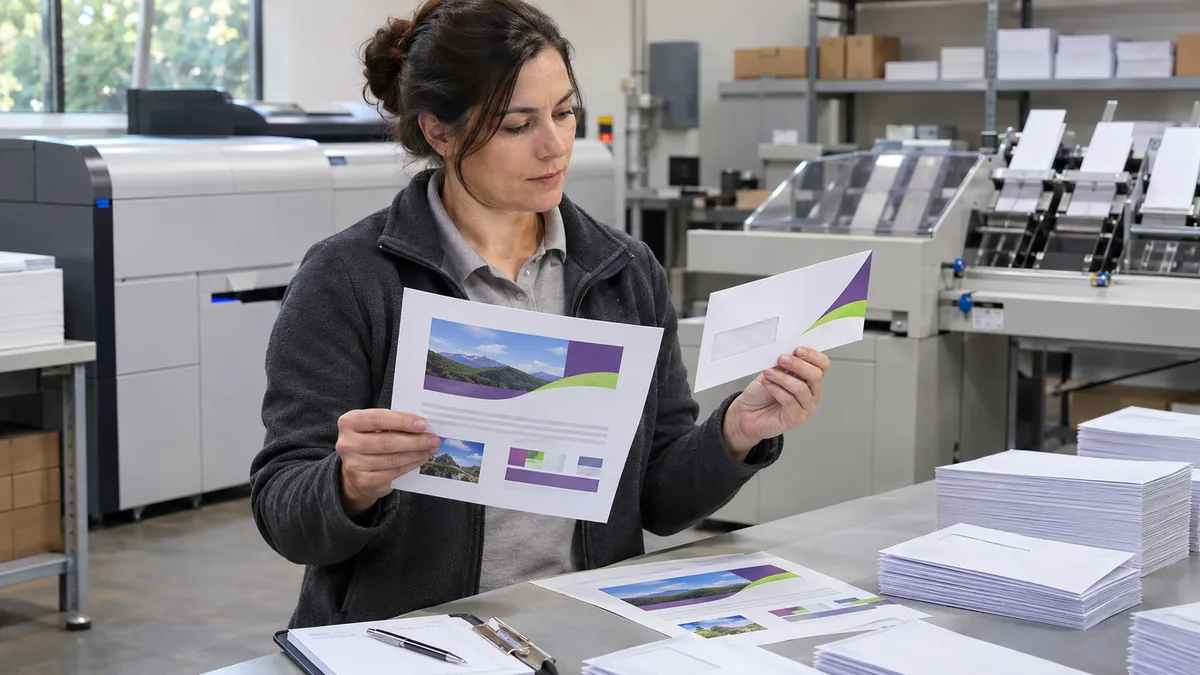
The approval sample is the reference for the entire batch
The sample is not merely an attractive printout for visual review. It should represent the real process: the correct data file, approved template, specified paper, personalisation, folding, inserts and envelope. When every party refers to the same physical item, it is easier to distinguish a production defect from a later change requested by the client.
Freeze the data, template and personalisation rules first
A proof is useful only when its source version is known. Before producing it, record the file name and checksum, record count, template version and rules for conditional inserts. A change after approval requires a new proof or a documented decision about which checks must be repeated. Otherwise the approval may refer to a file that is no longer used for production.
Digital preflight and a physical proof detect different issues
Digital checks can identify missing fonts, unsuitable colour spaces, low-resolution images, transparency or non-compliance with a PDF/X profile. Adobe describes Preflight as a way to inspect common output errors, while Output Preview shows separations, colour warnings and ink coverage. A physical sample confirms what the screen cannot: the actual paper, scale, small-text readability, margins, address position and the document after folding.
Use boundary records, not only the easiest example
The first record often looks fine but does not test the full variation. The sample set should include a long name and address, accented characters, the highest page count, a record with an optional insert and a record without it. Checking the first and last batch identifiers is also useful. These cases reveal clipping, changed line breaks, wrong document order and faulty conditional rules.
The test envelope must complete the whole process
A printout alone is insufficient. At least one set must be folded, inserted and sealed on the target equipment. Check the address position in the window, insert orientation, completeness, transport marks, sealing quality and readability of dispatch data. If the job contains several content variants, each variant needs its own test envelope.
Approval should answer specific questions
The approval record can be brief, but it should state the file version, date, approver and scope. Instead of a general “looks good”, confirm data accuracy, page layout, page count, print quality, folding, envelope, address position and inserts. Every discrepancy should have a decision: correct it, accept it as a documented exception or stop production.
Monitor the production start after approval
The approved sample does not end quality control. Compare the first production pieces with the reference and record the result before the full run accelerates. If paper, envelopes, consumables or machine settings change, repeat the relevant checks. The sample then remains a stable reference for the operator and for batch reconciliation.
What to give a mailing partner
A good order includes production files, record count, variant definitions, personalisation rules, format, paper, envelope, inserts and acceptance criteria. BackOffice Outsourcing provides personalisation, printing, inserting, batch control and correspondence handover within the agreed scope. Contact us before sending the batch if you want fewer corrections and a clear approval point before production.
Sources and technical materials
The recommendations combine practical batch control with current guidance on print-ready files and proofing.
Order printing and inserting with sample approval
Would you like to approve one complete item before the full batch starts? We can agree the files, variants, proof, printing, inserting and reconciliation method.
See document printing and insertingFAQ
Is on-screen PDF approval enough?
No. A digital preview detects many problems, but it does not confirm paper behaviour, folding, the envelope, address position or the result produced by the equipment.
How many test envelopes are needed?
At least one for every significant content variant. Different page counts, inserts, formats or envelopes should be checked separately.
What if the data changes after approval?
Assess the impact and repeat the relevant checks. A change affecting layout, page count or personalisation rules requires renewed approval.
Does the approval sample replace batch control?
No. It is a reference point. Record counts, exceptions, waste, reprints and completed envelopes must still be reconciled.